As an Amazon Associate, I earn from qualifying purchases at no extra cost to you.
How to Change Power Level on Samsung Microwave (Cook Food Evenly)
 ByZayyan

Most of us treat the microwave like a simple on-off switch. We press thirty seconds, hit start, and hope for the best. That is how you end up with a lava-hot bowl of soup and a frozen center. If you learn to tweak the power settings, you will stop ruining your leftovers. I will show you how to master your Samsung control panel.
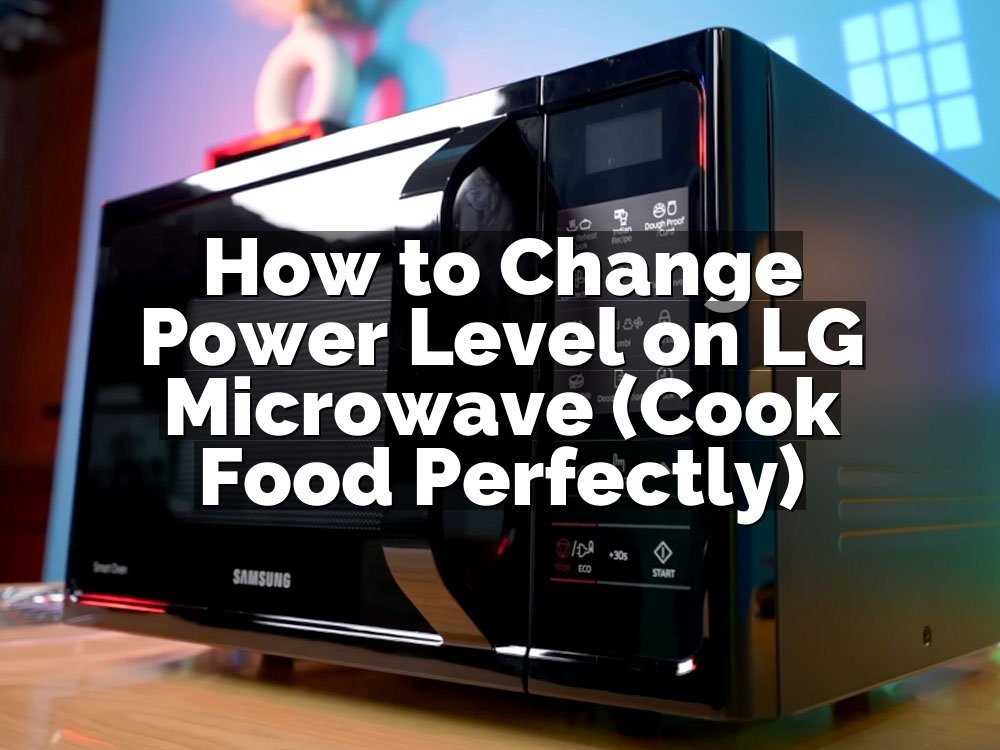
You need to look for a button labeled Power Level on your control panel. Once you find it, press it before you set your cook time. The display will show PL10, which means 100 percent power. Press the button again to drop the power by 10 percent each time. After you pick the level, type in your time and hit start.
Why Settings Matter in Your Kitchen
You probably know that microwaves vary in strength. However, most people ignore the power settings entirely, which leads to uneven food texture and tough proteins. I have spent years testing this.
Full Microwave Power
This is the default PL10 setting. It pushes the magnetron to work at maximum capacity. It is great for boiling water or heating a cup of coffee. You should avoid this for delicate items like fish or cheese. High heat hits the edges of your food way faster than the middle, causing those annoying rubbery bits.
Medium High Heat
This is usually PL7 or PL8. I use this setting when I want to reheat a plate of pasta or a slice of pizza. It gives the heat a moment to travel into the center of the food before the edges turn into leather. You will find that your food stays moist and actually tastes like a real meal.
Half Power Output
When you drop down to PL5, you are using half the energy. This is my go-to for defrosting ground meat. If you use full power, the outside of the meat cooks while the inside stays frozen solid. Half power gives the warmth time to distribute, so you get a much better result for your recipes.
Low Heat Setting
This is usually PL3 or PL4. It works wonders for softening butter or warming up bread. When you use low power, you are essentially mimicking a slow oven. It keeps your bread soft instead of turning it into a crouton after ten seconds. I keep my microwave on this level for anything that requires gentle, consistent warmth.
Very Low Power
Settings like PL1 or PL2 are rare but useful. I use these for keeping a dish warm if guests are running late. It prevents the food from drying out, which happens if you use a higher setting for too long. You should avoid keeping food in the microwave for more than twenty minutes, even on low.
Pulse Heat Cycles
Actually, let me back up a second. Microwaves do not change the intensity of the waves. They turn the magnetron on and off in pulses. A lower power level just means the microwave spends more time in the off-cycle. Understanding this helps you realize why lower settings produce better, more gentle heat for your dinner.
If you are new to this, start small. Try these tips to improve your results:
- Always cover your food to keep moisture trapped.
- Use a lower power level for thick, dense items.
- Stir your food halfway through the cooking cycle.
- Avoid using metal containers that can cause sparks.
- Rotate your dish if your microwave lacks a tray.
- Test your settings on a glass of water first.
Quick Steps for Adjusting Your Microwave Settings
Changing your settings does not have to be a chore. Most Samsung models follow a standard pattern. Once you practice this three times, you will do it without looking.
Locate Your Control Button
Find the button on your keypad that says Power Level. Sometimes it is part of a menu, but usually, it sits right next to the time buttons. If you do not see it, check the user manual for your specific model. Some newer units use a dial instead of a dedicated button for this task.
Select Your Desired Strength
After you press the button, the display will change from the time to a PL value. PL10 is the default high. Every press of that button drops the number down by one. PL5 is fifty percent, and PL1 is ten percent. Keep pressing until you see the level you want to use for your specific food.
Input Your Cooking Time
Once the power level is blinking on the screen, punch in your numbers. If you want two minutes, press 2-0-0. The microwave remembers your power setting for this specific session. Do not press the power button again after typing the time. Just hit the start button to begin the cycle immediately.
Confirm Your Selection
Watch the display screen as you press start. It should show the power level you picked for a second before the timer starts counting down. If you see the wrong number, hit the clear or cancel button. Start the whole process over again. It is better to take five seconds now than to ruin dinner.
Adjust During the Cycle
Wait, I should clarify that some models allow changes mid-cycle. If you already hit start, you might need to hit pause first. Press the power button and adjust the level, then hit start to resume. Not every microwave allows this, so check if your specific buttons respond while the timer is running.
Save Your Favorite Settings
Some advanced Samsung models have a memory or preset button. If you often use 50 percent power for heating lunch, look for a custom setting. You can save the power level and time as a shortcut. This saves me about thirty seconds every single day, which is a big deal when I am hungry.
- Press Power Level before you type the time.
- Use PL10 for liquids like soup or tea.
- Use PL5 for defrosting meat or reheating pasta.
- Use PL3 for softening butter or melting chocolate.
- Check the display before you hit the start button.
- Cancel the cycle if you picked the wrong power.
Practice makes this second nature. Start with a simple cup of water today. Adjust the power to 50 percent and watch how the bubbles form differently compared to high power. This simple change is the secret to better microwave results.
Why is My Food Still Cold in the Middle
Even with the right power level, physics is against you. Microwaves struggle to heat large, dense items because the waves only penetrate about an inch into food. The edges cook fast, while the center relies on conduction to move that heat inward. If you blast high power, the outside overcooks before the middle gets warm.
When you use a lower setting, you give the center time to catch up. This is essential for casseroles or thick portions of meat. I noticed that microwave heat distribution is always better when you take your time. You might want to flip your food or turn the container around halfway through. This helps hit those cold spots.
Another common mistake is piling food too high in the center of the plate. Try arranging your food in a ring shape. Leave the center of the dish empty. This creates a natural hot spot where the energy hits the food more evenly. It sounds strange, but it works every single time for leftovers.
Finally, consider the moisture content. Dry food heats up differently than wet food. If your dish is dry, add a splash of water or cover it with a damp paper towel. That steam helps cook the food from the outside in, keeping the texture pleasant. It prevents that chewy, dehydrated mess we have all dealt with.
- Use a ring shape for better heat flow.
- Add water for foods that dry out.
- Use lower power for denser, thicker items.
- Flip or stir your food halfway through.
- Allow food to sit for a minute after cooking.
- Avoid overcrowding the plate with too much food.
Can I Defrost at a Lower Power Level
Defrosting is one of the most common tasks people mess up. You should almost never use the default high power for meat. You will end up with gray, rubbery edges and a raw, icy center. It is better to use a dedicated defrost setting or manually set your power level to 30 percent.
This low setting is designed to keep the temperature stable without actually cooking the meat. If you go too high, you start to cook the proteins, which ruins the texture for later. I usually set my microwave for three minutes at a time. I check the meat, flip it, and repeat until it is ready.
You might be tempted to rush this, but don’t. It is the best way to handle frozen meat preparation. If you start the process and realize you forgot to take the meat out of the packaging, stop and remove it. Plastic can melt into the food if it gets too hot, which is a total disaster.
Keep a close eye on the corners of the meat. They will be the first parts to thaw. If they start changing color to a cooked white or brown, you need to stop immediately. Use a lower power level or just let it sit on the counter for a few minutes. Patience pays off here.
- Use 30 percent power for steady thawing.
- Flip your meat every three minutes.
- Remove all packaging before you start.
- Watch for color changes at the edges.
- Let the meat sit for five minutes after.
- Use a microwave-safe plate to catch juices.
Is There a Way to Reset the Power Level
If you get confused or press the wrong buttons, do not panic. Every microwave has a clear or stop button. This is your best friend when you are learning how to use the settings. Press it once to pause the cycle. Press it twice to clear everything out and start fresh.
Some people think that unplugging the microwave is the only way to reset it. That is a total waste of time. Just use the cancel button on the control panel. If your display is frozen or acting strange, then you can try unplugging it for thirty seconds. This clears the internal board, but it is rarely necessary.
I noticed that sometimes the buttons get sticky from kitchen grease. If your microwave seems to ignore your button presses, give the panel a quick wipe with a damp cloth. A little bit of grease buildup on controls can make the sensors act up. Keep your panel clean and the buttons will work perfectly every time.
Always remember that the microwave will default back to PL10 every time you close the door or hit stop. You have to manually select your power level for every new task. It is a manual process, but it is worth the extra effort for the quality of your food. It just takes a few extra seconds.
- Use the stop button to clear settings.
- Unplug for thirty seconds for a hard reset.
- Clean your control panel to avoid sticky keys.
- Assume PL10 is the default every time.
- Do not rely on your microwave to remember settings.
- Get into the habit of checking the screen.
Should I Always Use Full Power
Many people think full power is the only way to get things done quickly. That is a mistake. Full power is a tool, not a default. It is perfect for popcorn or heating up a bowl of soup. But for almost anything else, it is far too aggressive and creates poor results.
If you are heating up a sandwich, full power makes the bread tough and the cheese oily. It ruins the whole experience. Using a lower power level keeps the bread soft and melts the cheese without separating the oils. I think the time you save by using full power is not worth the ruined texture.
Think about the goal of your cooking. Are you just trying to get heat into the food, or are you trying to warm it without cooking it further? If you want to maintain the quality, you must lower the power. It is the biggest secret to successful microwave cooking that most people overlook.
My rule is simple: if it is liquid, use high. If it is solid, use medium or low. This simple mental shortcut saves me from having to guess every single time I walk into the kitchen. Just keep it simple, test your settings, and you will become a pro in no time.
- Use full power for liquids only.
- Use medium power for reheating solid food.
- Full power often ruins the texture of bread.
- Lower power keeps food moist and fresh.
- Think about the texture you want to keep.
- Experiment with levels until you find your favorites.
Final Thoughts
I hope this helps you get more out of your microwave. Most people just press start and walk away, but a few quick adjustments will change how your leftovers taste. It takes five extra seconds, but your food will actually stay moist and delicious. Just remember that lower power is usually the secret to better results. Don’t be afraid to experiment with your settings, because the worst thing that happens is you learn something new about your machine today.
| Power Level | Suggested Use |
|---|---|
| PL10 | Boiling water, tea, soup |
| PL9 | Heating drinks, sauces |
| PL8 | Reheating pizza, pasta |
| PL7 | Warming leftovers, casseroles |
| PL6 | Cooking vegetables |
| PL5 | Defrosting meat, warming plates |
| PL4 | Melting cheese, soft foods |
| PL3 | Softening butter, warming bread |
| PL2 | Keeping food warm |
| PL1 | Proofing yeast, gentle warming |
Frequently Asked Questions
Is It Safe to Change Power Levels Mid-cycle?
Yes, it is perfectly safe to change the power level while the microwave is running. On most models, you simply hit pause, adjust the setting, and press start again. It does not hurt the machine.
Can I Use the Power Level for Baking?
Microwaves are not ovens, so you should avoid baking in them. While some have convection features, standard microwaves do not provide the consistent heat needed for cakes or bread, regardless of power level.
Are All Samsung Microwaves the Same?
Most Samsung units use the same button layout, but some newer smart models might hide the power settings in a digital menu. Always check your specific manual if you cannot find the button.
Do Lower Power Levels Save Electricity?
Technically, yes, because the magnetron cycles off more often. However, the difference is very small. You should choose power levels based on food quality rather than trying to save on your electric bill.
Should I Cover Food When Using Low Power?
Yes, you should always cover your food. A cover keeps the moisture inside, which is vital when the microwave runs at a lower intensity for a longer period of time. It improves the texture.
Will My Microwave Remember My Settings?
Most standard microwaves reset to the default PL10 as soon as the cycle ends. Unless you have a model with a specific save or preset function, you will need to input your settings each time.
How Does the Microwave Know the Power Level?
The microwave controls the power by pulsing the energy on and off. The level you select determines how many seconds the magnetron stays on versus how many seconds it stays off during every cycle.
Can I Use Metal at Lower Power Levels?
No, you should never use metal in a microwave at any power level. The energy level does not change the fact that metal causes arcing, which is a fire hazard that can damage your appliance.